One easy fix in Picasa 3 is correcting a color cast. First you have to identify that a photo's colors don't look quite right. The easiest place to see a color problem is in the area of a person's skin. It might look a little green or blue, etc. For example, let's look at the following image where the color of the bath towel is definitely off:
BEFORE:
Fixing this color cast is easy to do with Picasa 3 as you will see in the following video:
VIDEO TUTORIAL:AFTER:
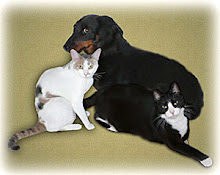
I have included three photos for you to practice on. Simply right-click on each image in turn, and left-click on "Save Image As..." or "Save Picture As...". When presented with a dialog box, choose to save the image to your Desktop so that you will be able to find this downloaded photo later. The image will be automatically imported to your Picasa 3 software in the "Recently Updated" folder where you can proceed to practice with the "Neutral Color Picker" tool in the manner described in the video tutorial. Remember to double click on the thumbnail to bring the thumbnail into edit mode. Good luck and have fun!!!!
If you still don't have Picasa 3 installed on your computer, please go to http://www.geeksontour.com/showme/picasa/pic302_install.cfm
for installation instructions.