skip to main |
skip to sidebar
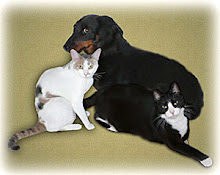
As I said in a previous blog, a digital photo is made up of millions of little colored squares called pixels. Each pixel's color is comprised of a mixture of red, green and blue. One can adjust the image's look as in the last blog by using the composite or RGB histogram. Still another way to make image adjustments is by editing the histogram of each individual color. In the following video we will be editing the red, green and blue channel histograms. Sounds complicated but it really is not!BEFORE: VIDEO TUTORIAL:AFTER:


No comments:
Post a Comment