Earlier I demonstrated how one could correct over-saturated photos using Picasa ---
http://www.fotofixin.blogspot.com/2009_06_01_archive.html. This link points to the June archives and the tutorial can be found about halfway down the page. Now, I am going to explain how one can fix this problem by using Photoshop with an adjustment layer.
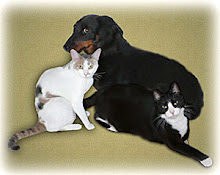
BEFORE: VIDEO TUTORIAL:AFTER:


No comments:
Post a Comment